Send tree photos that explain the job, without stepping into danger
Photographs can make a tree service inquiry clearer before anyone visits the property. A wide view helps explain where the tree stands, whether a driveway or gate provides access and what buildings or outdoor features need protection. A close view, taken only from a safe place, may show the trunk or stump detail that led you to ask for help.
Share those images using the estimate form on this page, together with the property location, the service you are considering and a short description in your own words. The pictures are a starting point for a conversation, not a diagnosis, a final price or permission for a crew to begin work.
On a phone, open the estimate section first, choose a service, then use the photo attachment control when it is available. Follow the file-type, size and quantity limits displayed by the form rather than trying to squeeze a large video into a picture field. You can describe a problem without an attachment if you cannot photograph it safely. Tree Huggers can then determine what further details or on-site review are appropriate. Sending a request does not reserve an appointment or confirm an emergency response.
Not sure which pictures help explain the work? Read the safe four-view tree estimate photo guide, then return here to attach available photos. If taking photos is unsafe, describe the concern without an attachment.
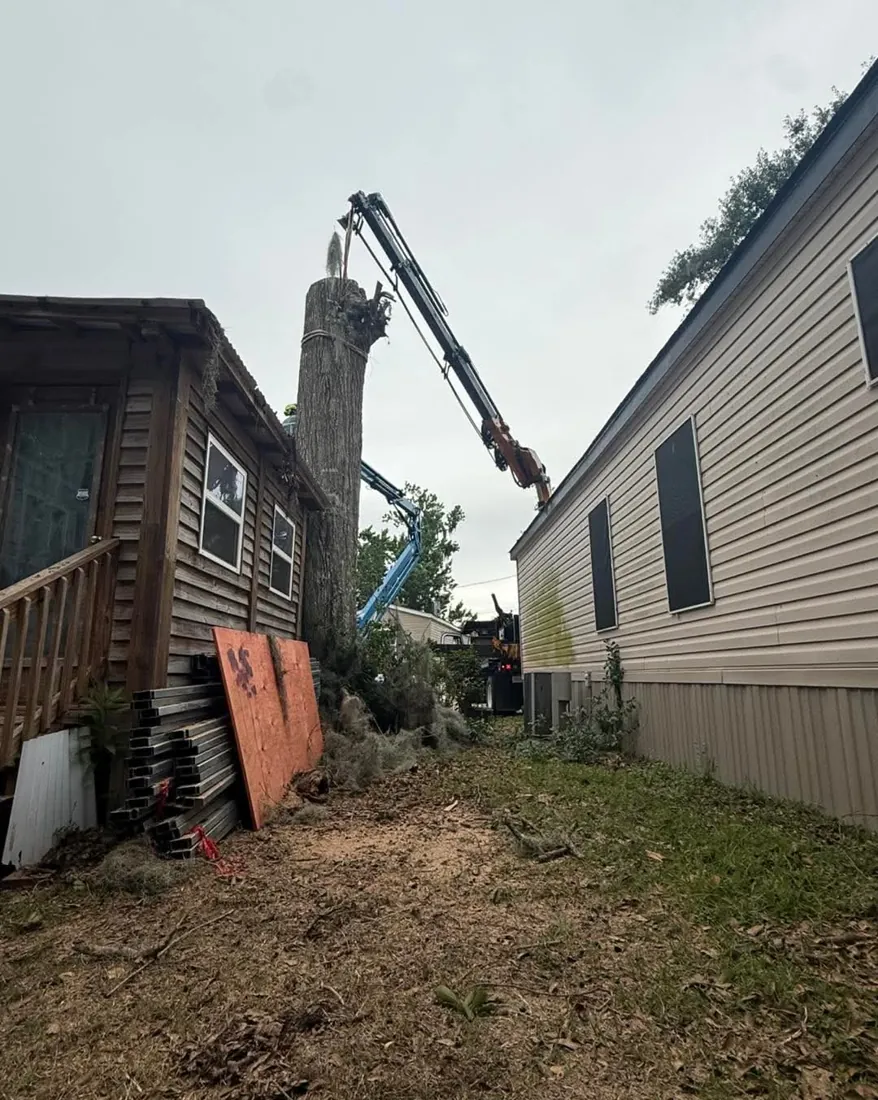
Photo 1: the whole tree, not just the damaged spot
Start far enough back to show the main trunk, most of the canopy and what lies beside the tree. A close-up of a bark crack may be visually dramatic but cannot tell an estimator whether a roof, fence, driveway, neighboring tree or overhead wire changes the work.
A wide photo can also show whether the tree is on a slope, beside a pool or squeezed between buildings. Take it from a normal standing location where you can remain clear of the tree. If a storm has left the trunk leaning, the surrounding ground displaced or limbs suspended, increase your distance instead of walking closer to fit everything into the frame.
Where multiple trees are involved, label each in your written description with a simple landmark: front-left by the sidewalk, rear oak near the fence, or stump behind the shed. Do not assume that a crew can identify the tree from a leaf photograph alone. A photo taken across the street may be more informative than one taken from beneath the canopy.
For commercial or public sites, a simple marked property map can supplement the photographs, but it should not reveal security details that are unnecessary for the estimate.
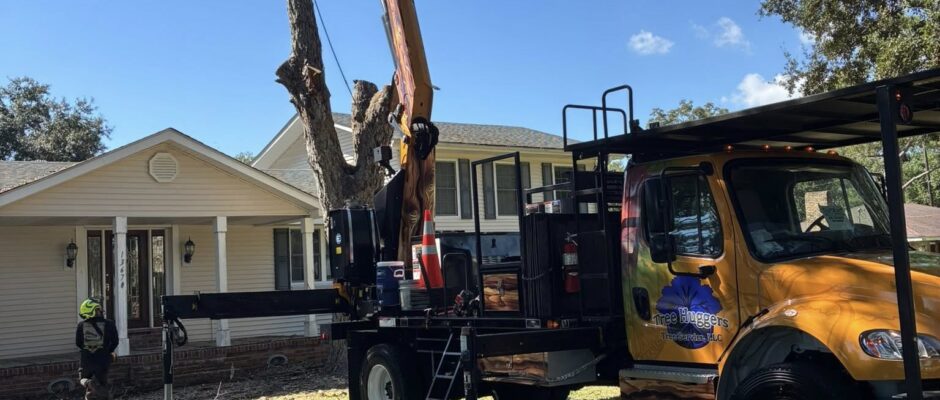
Photo 2: the concern from a safe angle
A second picture can show the specific reason for the request: an overhanging limb, a broken branch union, a visible cavity, an exposed root near paving or a stump in the way of new landscaping. Take the image without touching the suspected defect, pulling on a hanging branch, removing bark or probing a hollow.
In low light or after heavy rain, use the written description if the camera cannot capture the issue clearly. A photograph does not establish whether wood is structurally sound; defects, decay and root stability may require a trained on-site assessment. If a tree or limb is pressing against a roof, vehicle or utility, keep your distance and describe the contact rather than trying to move it for a better view.
Photo 3: the way equipment and people can reach the tree
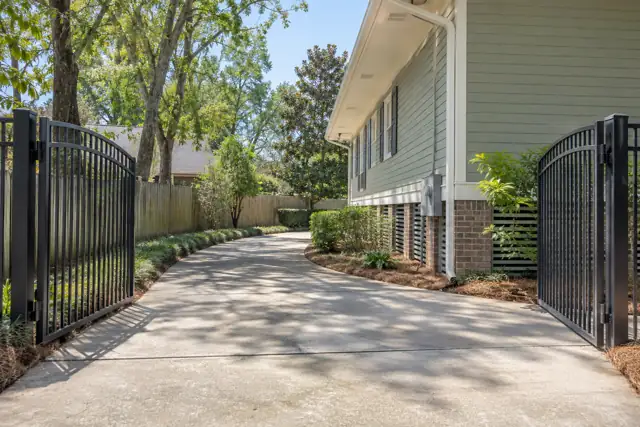
Service planning depends on the route from the street or staging area to the work. If safe, show the gate opening, side-yard passage, driveway surface, nearby landscaping and other obvious restrictions. Include useful measurements only when you already know them, and call them estimates rather than exact specifications.
A truck, trailer, crane, tracked machine or hand-carried tools may have different requirements; equipment choice cannot be guaranteed from pictures. Tell the team about irrigation heads, underground dog fences, septic components, fragile paving, recently laid sod, private utility lines or restricted tenant access instead of expecting them to be visible in a photograph.
A photograph of an open gate does not authorize using it, crossing a neighbor’s land or removing a fence panel. State whether you are the property owner, a tenant, a representative or an authorized project manager. For multifamily buildings, commercial properties and public projects, note the individual who can approve the proposed scope and the hours when access may be available.
Do not photograph confidential access codes, keys, alarm settings or tenants without their permission. These details can be discussed separately through an appropriate channel if they become necessary.
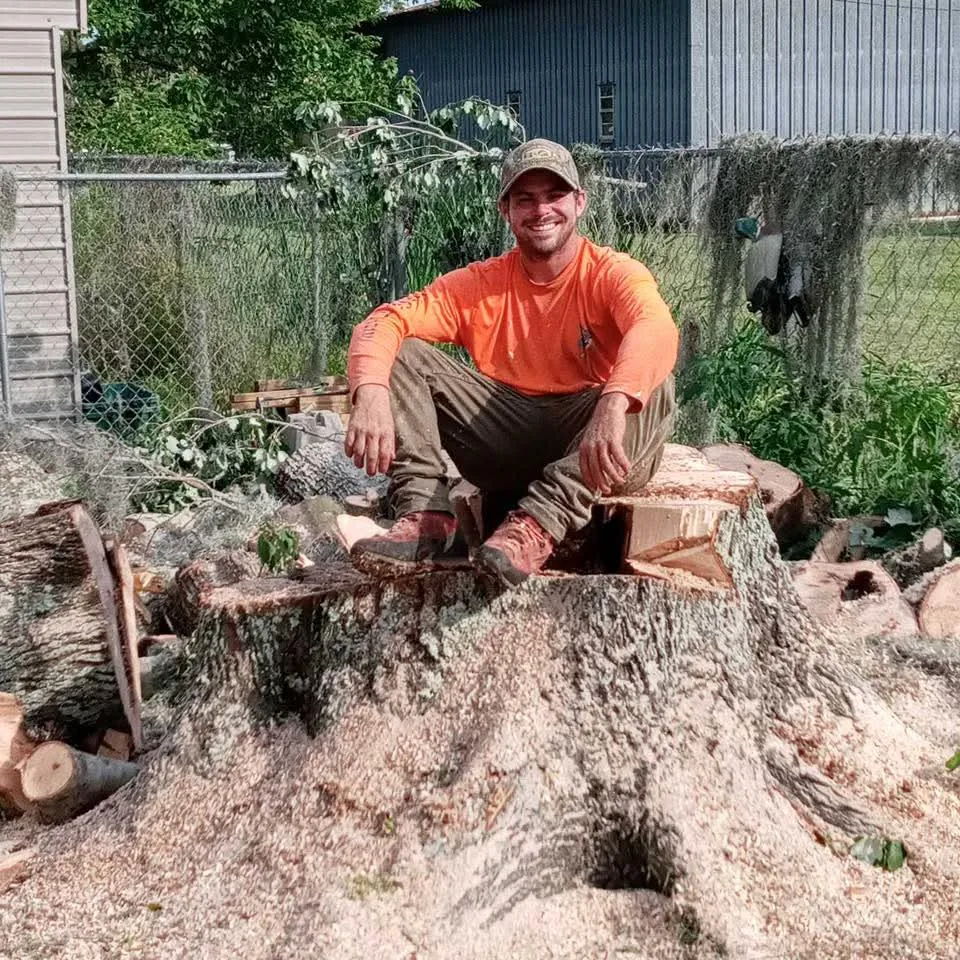
For a stump grinding request
Show the stump, a wider view of its surroundings, any paving or fence close to it and the route equipment would take. Tell the estimator whether the ground will receive sod, concrete, a bed or a future planting. A photo alone does not establish root depth, buried utilities, grinding depth or whether hauling chips and backfilling are included.
Three useful views you can take without approaching a hazard
Start with one distant view that identifies the tree or stump and surrounding features such as a building, sidewalk or fence. If it is safe, add a second view showing the particular concern from a comfortable distance. A third picture can show an available driveway, gate or side-yard access route and any surfaces that need protection. If you cannot safely get a requested angle, explain the missing view in words; do not move closer to suspended wood, wires or unstable trunks for a photograph.
Check the background before uploading. Keep children, unrelated people, license plates, entry codes and private documents out of the frame where possible. Use the actual attachment control and its displayed file limits. Photos help start an informed discussion but cannot diagnose tree stability, establish work authorization or guarantee a final scope or price.


Use a safe whole-tree photo before close details
A wide image helps the service team understand the tree's relationship to structures, driveways, fences and the available equipment path. When the area is safe, frame a view showing the full trunk and base, then add a separate overview of the approach route. Include one note explaining the concern or requested service; the photo alone does not diagnose tree condition.
Never enter a potential fall zone, climb damaged branches or stand near downed lines just to improve a picture. For storm damage, prioritize staying clear and report what can be seen from an existing safe location. Photos can help prepare an inquiry, but they cannot replace the on-site assessment or confirmation of work scope.
Tailor the description to the actual service
For pruning, describe the outcome: clearance from a roof, removal of broken material, visibility around a sign or long-term canopy care. Avoid asking to remove an arbitrary percentage of branches based only on a photo; safe pruning depends on species, structure and condition. For removal, explain which tree is being considered, what is nearby and whether stump work is separately desired.
For storm cleanup, distinguish branches already on the ground from material still hanging under tension or resting on a structure. For commercial or government work, provide a site reference, known authorization requirements and a contact who can clarify procurement or scheduling. A general photograph cannot replace a written bid specification.
Storm damage photos: safety outranks completeness
After severe weather, the best photo may be one taken from a doorway or another safe, distant location. Do not walk beneath a hanging limb, enter a damaged building, stand near a tree resting on another tree or cross a flooded area to document damage.
If a line is down or you suspect contact with electrical equipment, stay away and contact the utility or emergency services as appropriate. Do not assume a line is harmless because it looks like a communication cable. A still photograph cannot reveal tension in wood, hidden structural movement or instability below the soil surface, so never use a photo exchange as permission to approach a dangerous tree.
Explain in words whether access to the home or business is blocked, whether anyone is at immediate risk and whether emergency responders or the utility have already been contacted. Tree Huggers may need further details before discussing availability or scope; an online request is not an emergency dispatch confirmation.
If the site is safe but the weather is ongoing, photographs can wait. They are useful evidence for planning and possible insurance documentation, but they do not replace the safety decisions made by qualified personnel at the property.
Keep private information out of the picture
Before attaching a photo, look for children, visitors, vehicle license plates, visible personal papers, door codes or sensitive interiors that are not necessary to explain the job. Crop those details out when it is convenient and does not remove the tree condition or access feature.
The service inquiry should contain the contact details required to respond, but not payment-card numbers, identity documents or private security instructions. If someone else owns the property, make sure you are authorized to share the images and discuss the work. You can request an estimate without representing an illustrative picture as proof that Tree Huggers completed a previous job.
What happens after you send the request?
First, the service inquiry needs to be understandable: the service type, approximate location, contact details, tree or stump concerned, known safety issues and access restrictions. The next conversation may clarify whether the work is in the service area, who may authorize it and whether a site visit or additional photographs are needed.
A useful estimate then separates the proposed work from exclusions: hauling, stump grinding, site protection, cleanup, access arrangements, permits and any third-party coordination that is relevant. Do not interpret a web form’s confirmation screen as approval of those terms, a fixed price or a booked arrival.
When a written scope is agreed, scheduling and completion expectations should be discussed directly. The difference between requesting, qualifying, estimating, booking and completing work matters. If there is a later change to what was originally quoted, obtain a clear explanation and agreement before treating additional work as authorized.
After completion, walk the accessible work area when it is safe and compare the agreed scope to the result. Save the estimate and any relevant communication for your records. This page is a photo-intake utility, not a customer portal that displays live scheduling or a connected CRM status.
Before pressing Send: a quick accuracy check
Verify that you selected the service most closely matching the request and entered a reachable phone number. Use the property location where the work would occur, not merely your mailing address. Explain whether there are several trees, whether the tree is still standing and whether any structures are involved.
If the ground is soft, utilities are nearby or access depends on a locked gate, include that context. Review the photos on your device and make sure the images show the intended tree or stump without unnecessary private details. If the form says a file is too large or an unsupported type, use its displayed limits; do not repeatedly resend a message or share a private cloud link with broad public permissions.
What a photo cannot tell us
Explain the limits
A photo may not show a locked gate, a buried irrigation line, a utility easement or a neighbor’s permission. In your description, identify who controls access and any known restrictions. This is especially useful when several trees or different work areas appear in one set of pictures.
Stay out of the danger zone
If storm damage makes a close view unsafe, skip it. State whether access is blocked or utility equipment may be affected. The first inquiry should communicate the concern, not require anyone to risk harm to document it. Urgent threats to people or wires belong with emergency responders or the utility.
You are not required to take a dangerous photograph. If photos are unavailable, the written description is enough to begin identifying the next questions. The goal is to make the first conversation about scope, access and safety more useful, not to create a false sense of certainty from a picture. For ordinary tree services, use the form on this page. For immediate danger, follow appropriate emergency and utility instructions rather than treating online intake as an urgent rescue system.
Photo upload and tree estimate FAQs
Can I get a final tree removal price from photographs alone?
Pictures can clarify scope and access, but they may not reveal defects, equipment restrictions or site conditions. A firm scope or price may require further questions or a site assessment.
How many pictures should I send?
Start with a wide view, a safe view of the concern and an access view. Use the form's displayed file limits; clarity matters more than sending many similar photographs.
Should I photograph a cracked or leaning tree up close?
No. Keep away from unstable trees and suspended limbs. Take a distant picture only if you can do so safely, or describe the condition without a photo.
What should I show when requesting stump grinding?
Show the stump, surrounding ground, nearby hardscape or fences and the equipment access route. Explain whether sod, paving or future planting is planned.
Can I include several trees in one request?
Yes, describe how many trees are involved and identify them by location. Label each image or explain landmarks so there is no confusion over which tree the request concerns.
Do I need to show gates and driveways?
Access photos are useful when safely available. Mention narrow passages, fragile paving, buried systems or permission restrictions that cannot be determined from a picture.
What if an image upload is rejected?
Check the form's allowed file types and size or quantity limits. You can still describe the problem in writing; do not send private documents as substitutes for ordinary tree photos.
Is it safe to take photos during a storm?
Do not approach dangerous trees, electrical lines, damaged structures or flooded areas. Safety is more important than documentation, and emergency services or utilities should be contacted when appropriate.
Does uploading photos schedule tree work?
No. The form starts an inquiry. Qualification, estimate, approval and scheduling are separate steps that must be agreed upon directly.
What private information should I keep out of pictures?
Avoid unnecessary personal documents, security codes, identifiable people or other sensitive details. Share only information reasonably needed to understand the proposed tree work.
Can a manager or tenant request an estimate?
Yes, explain your role and identify who can authorize the property access and work. A request or photo alone does not establish ownership or permission.
What if I cannot take any photos?
Describe the tree, property location, desired service, visible concern and safe access details. A photo is helpful but never worth taking an unsafe risk.